

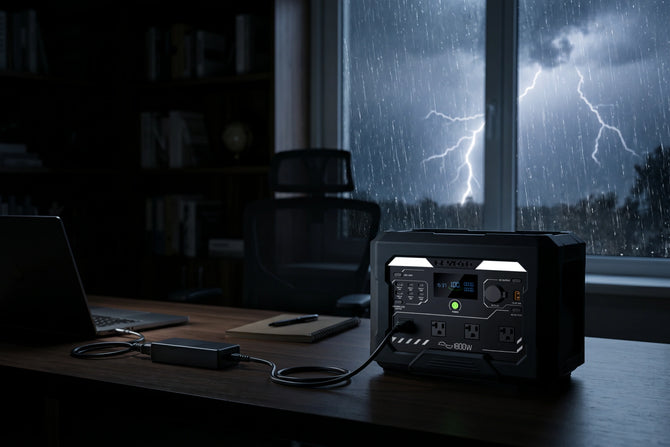




A heat wave power outage is not just an inconvenience. The safest plan is to protect cooling access first, then keep communication, food storage, medical devices, and small comfort appliances running with a practical battery backup. During a summer blackout, a portable power station cannot replace a full home electrical system, but it can help keep the essentials online when the grid is under stress.
Extreme heat changes the way a power outage feels inside a home. In mild weather, losing power may mean flashlights, phone charging, and waiting for the utility company. During a heat wave, indoor temperatures can climb, refrigerators stop cycling, WiFi drops, and families may lose access to fans, CPAP machines, medication cooling, and emergency alerts. The best preparation is not to power everything. It is to decide what must stay on, what can run in rotation, and when it is safer to leave for an air-conditioned location.
Why Does a Heat Wave Power Outage Happen?
A heat wave power outage usually happens because high temperatures push electricity demand higher than normal, especially when many homes and businesses run air conditioners at the same time. Heat can also stress transformers, power lines, and local grid equipment.
The National Weather Service uses heat tools such as the heat index because air temperature alone does not show the full risk. Humidity makes it harder for sweat to evaporate, so the body feels hotter than the thermometer reading. Direct sun exposure can make the felt temperature even more severe. That matters during a blackout because the home becomes part of the emergency environment. A room that is normally manageable with AC can become unsafe when the air stops moving and windows are taking in afternoon sun.
U.S. energy data has also shown that heat waves can push regional electricity demand sharply upward. The pattern is easy to understand: when more air conditioners run longer, the grid has less room for equipment failure, transmission constraints, or sudden demand spikes. This is why heat-related outages can happen even without a storm.
What Should You Do First When the Power Goes Out in Extreme Heat?
Your first move should be to reduce heat exposure, preserve communication, and decide whether staying home is safe. Do not start by plugging in every device.
Use this order during the first 30 minutes:
- Check people first. Look after older adults, infants, people with chronic conditions, pregnant family members, and anyone using medical equipment.
- Find the coolest room. Choose a shaded lower-level room if available. Close blinds or curtains on sunny windows.
- Check local alerts. Use a phone, radio, or utility outage map to understand whether this is a short local outage or a broader grid event.
- Protect battery life. Put phones in low-power mode and turn off unused apps.
- Decide your cooling threshold. If indoor heat becomes unsafe, plan to move to a cooling center, library, mall, hotel, friend's home, or another air-conditioned place.
- Start essential backup power. Use a portable power station for communication, lights, fans, router, CPAP, or refrigerator cycling based on priority.
A fan can help move air, but it is not the same as air conditioning. If the room is very hot and closed off, a fan may only circulate hot air. For high-risk people, the safer decision may be relocation rather than trying to ride out the outage at home.
Which Devices Should Stay Powered During a Summer Blackout?
The right battery backup plan starts with priority, not wattage alone. During a heat wave, some devices support safety, while others only improve comfort.
| Priority | Devices | Why They Matter | Backup Strategy |
|---|---|---|---|
| 1 | Phones, radios, emergency lights | Alerts, calls, basic visibility | Keep charged at all times |
| 2 | WiFi router, modem, laptop | Work, outage updates, family communication | Run when needed or continuously if power draw is low |
| 3 | Fan, small cooling device | Air movement and comfort | Use in the coolest room, not as a substitute for AC |
| 4 | CPAP or medical device | Overnight health support | Test before the outage; keep a dedicated reserve |
| 5 | Refrigerator or mini fridge | Food, formula, medication | Run in cycles and avoid opening doors |
| 6 | TV, speakers, entertainment | Comfort and updates | Use only after essentials are covered |
This kind of table is useful because a battery backup is a limited energy source. A small power station can be enough for phones, lights, and a router. A larger unit is better when you also need a fan, mini fridge, CPAP, or short refrigerator support.
How Can You Keep WiFi, Phones, and Lights Running Longer?
Keep low-wattage devices grouped together and avoid wasting AC outlets on items that charge efficiently by USB. Phones, LED lights, and routers usually draw far less power than appliances with compressors or heating elements.
A practical setup for a family room or hallway might include:
- One WiFi router or modem
- Two phones charging in rotation
- One LED lantern or low-power lamp
- One small fan used only in the occupied room
- One laptop used for outage updates, not streaming all evening

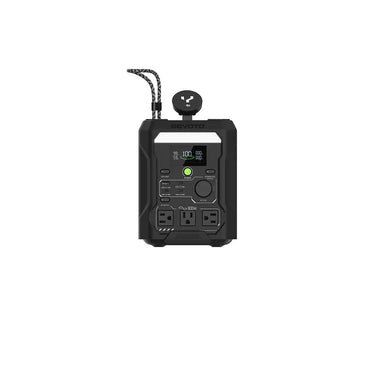
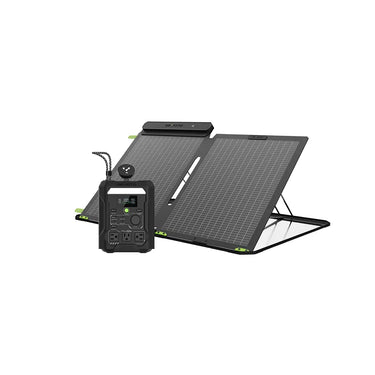
GEYOTO N300 fits this kind of light-load backup. With 256Wh capacity and 300W output, it is better suited for small electronics, WiFi routers, LED lights, laptops, phones, cameras, and short daily backup needs. It also has a fast UPS response, which can help keep WiFi or a PC from dropping when power fails. For a short summer outage in an apartment, dorm, home office, or small room, this is often the more portable option.
Can a Battery Backup Run a Fan or Refrigerator During a Heat Wave?
Yes, but the answer depends on the device wattage, runtime expectations, and whether the appliance runs continuously or cycles on and off. A fan is usually a lighter load than a refrigerator, while a refrigerator may draw more at startup and then cycle.
For heat wave planning, do not think of a refrigerator as something you must power every minute. In many cases, the better strategy is:
- Keep the refrigerator and freezer doors closed.
- Use a cooler for drinks so the main fridge is opened less.
- Power the fridge in planned intervals if the outage stretches longer.
- Keep a separate thermometer inside the fridge or freezer.
- Prioritize medicine or infant formula cooling over convenience foods.
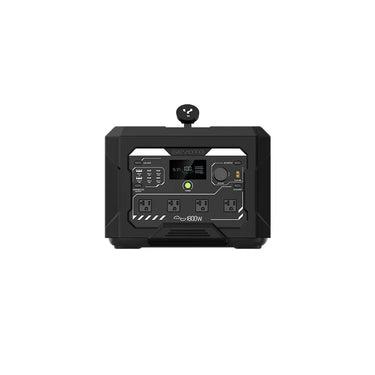
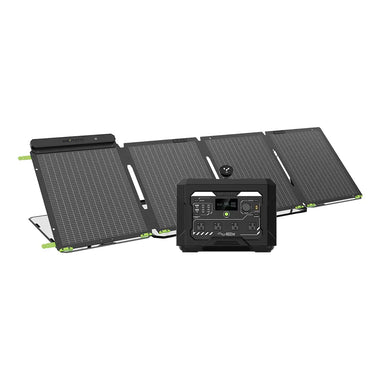
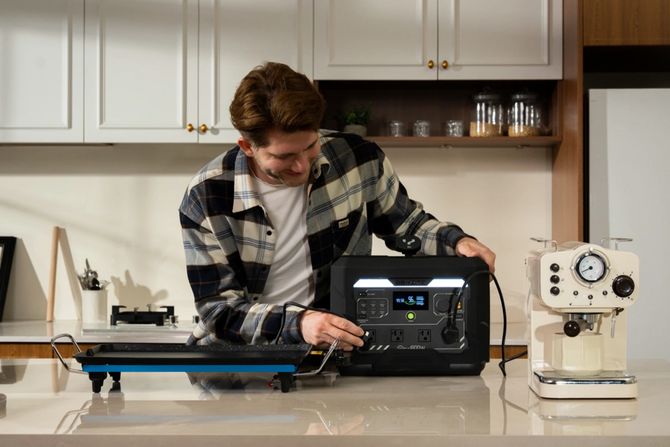
GEYOTO N1000 is the better match when the plan includes more than phones and lights. With 1024Wh capacity and 1800W output, it is designed for larger essential loads and longer use than a compact unit. It can support situations such as a mini fridge, TV, CPAP machine, router, fan, and small appliances when wattage is within the rated output. For heat wave outages, that makes it a better essential-home backup choice than a small power bank.

How Should You Plan Battery Backup for CPAP, Medication, and Health Needs?
Health devices should have their own reserve. Do not treat a CPAP machine, powered cooler, oxygen-related accessory, or medication fridge as just another appliance in the same pool as entertainment devices.
A safer plan looks like this:
- Test the device with the battery backup before summer peak season.
- Confirm whether the device needs AC power, DC power, or USB-C.
- Check if humidifier or heated tubing settings increase power draw.
- Keep the battery backup fully charged before a heat alert.
- Store extension cords and adapters in the same emergency box.
- Keep written device settings in case another family member needs to help.

If someone in the home depends on powered medical equipment, contact the utility company about medical baseline or priority notification programs when available. A portable power station is useful, but it should be part of a broader health plan that includes evacuation options and backup locations.
Why Are Battery Backups Safer Indoors Than Fuel Generators?
Battery backups are suitable for indoor essential power because they do not burn fuel during operation. Fuel generators must stay outside and away from windows, doors, vents, garages, and enclosed spaces because of exhaust risk.
This difference matters most for apartments, condos, townhomes, and high-density neighborhoods. Many households cannot safely store fuel or run a gas generator outdoors with proper clearance. A portable power station can sit in a hallway, bedroom, home office, or storm-ready shelf and power small devices without fumes.
GEYOTO portable power stations use LiFePO4 battery chemistry and are built around quiet, fuel-free operation. For heat wave outages, that makes them a practical fit for indoor essentials: phones, WiFi, lights, CPAP, fans, and selected refrigerator or mini-fridge use. The key is to match the unit to the load rather than expecting one battery to run every appliance in the home.
What Size Battery Backup Makes Sense for Summer Blackouts?
Choose the battery backup size by listing your essential devices, their wattage, and how long each one must run. Do not start with "How big is enough for my whole house?" Start with "What must stay on for safety and communication?"
Choose a compact battery backup if your main needs are small devices
A compact unit such as GEYOTO N300 makes sense for:
- Phones and tablets
- WiFi router
- LED lights
- Laptop
- Small fan for limited periods
- Cameras or small electronics
- Short outages in apartments or home offices
This setup works best when the priority is communication, lighting, and basic comfort.

Click the image to shop now
Choose a larger battery backup if your plan includes appliances
A larger unit such as GEYOTO N1000 makes more sense for:
- Mini fridge
- Refrigerator cycling
- CPAP overnight support
- TV or laptop plus router
- Multiple phones and lights
- Longer outage windows
- Family emergency kits
The N1000 also supports fast AC recharging, reaching 80% in about 43 minutes under suitable conditions. That matters before a forecasted heat wave because the best time to charge your backup power is before the outage begins, not after the grid is already unstable.

Click the image to shop now
How Can Solar Charging Help During a Multi-Hour or Multi-Day Outage?
Solar charging can extend a battery backup after the first stored charge is used, but it should be treated as a daytime recovery tool, not an instant replacement for wall power.
Solar performance depends on sun angle, cloud cover, shade, temperature, panel wattage, and how the panel is positioned. During a heat wave, sunlight may be strong, but panels still need safe placement, ventilation, and correct connection. Do not place solar panels where they block walkways, sit behind glass, or create a trip hazard with cables.
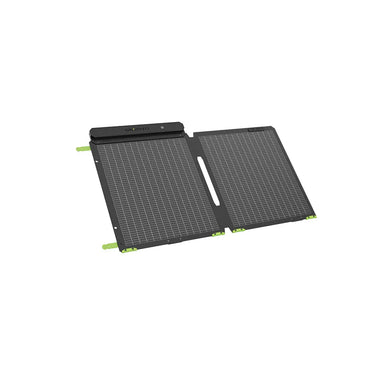
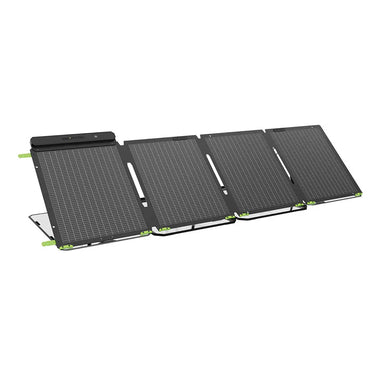
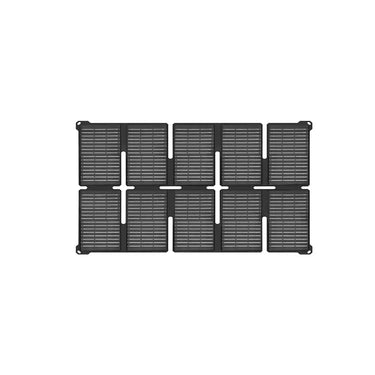
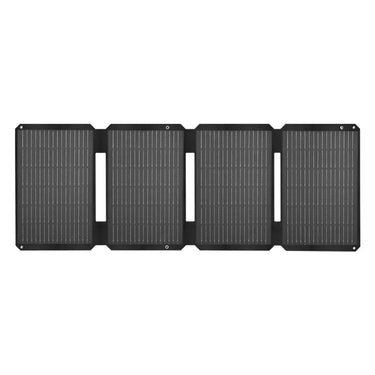
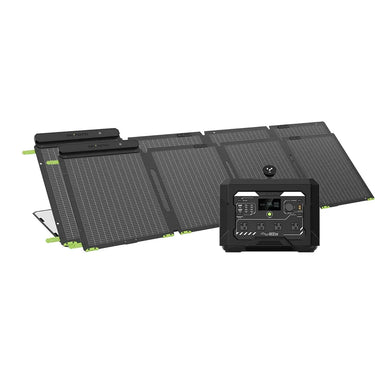
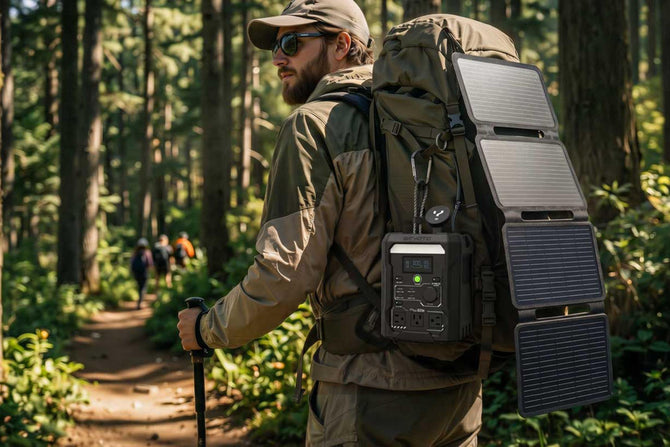
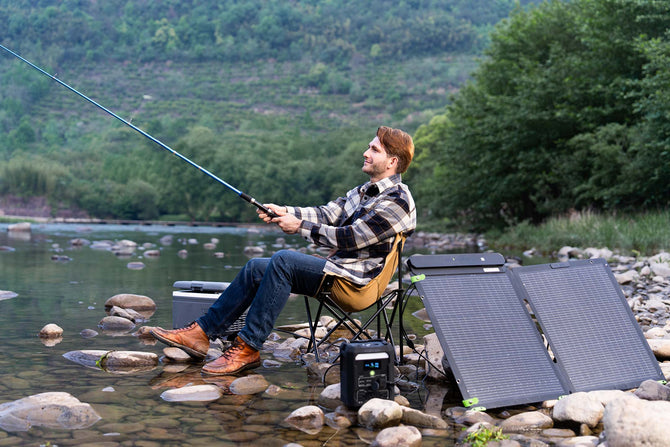
A GEYOTO N1000 solar generator kit with portable solar panels is useful when you want a repeatable routine: use battery power overnight for essentials, recharge during daylight, and repeat if the outage continues. For N300 users, a 100W solar panel can help keep small devices and communication gear topped up during daytime.
What Should You Avoid Plugging Into a Portable Power Station?
Avoid high-heat and high-draw appliances unless you have confirmed the wattage is within the rated output and the runtime makes sense. During a heat wave, the wrong device can drain your battery quickly without improving safety.
Be cautious with:
- Full-size air conditioners
- Electric heaters
- Large ovens
- Hair dryers
- High-power microwaves
- Large pumps or motors with high startup surge
- Any appliance that exceeds the power station's rated output
For cooling, a portable power station is usually better used for fans, communication, medical devices, lighting, and refrigerator management. If indoor temperatures become dangerous, moving to an air-conditioned location is safer than trying to run a heavy cooling appliance from a limited battery.
What Is a Practical Heat Wave Power Outage Plan for a U.S. Home?
A good plan is simple enough to follow under stress. Build it around three stages.
Before the heat wave
Fully charge your power station, phones, lanterns, and rechargeable fans. Freeze water bottles, prepare a cooler, test your router and CPAP setup, and check local heat alerts. Move the battery backup to an easy-to-reach location rather than leaving it buried in a garage or closet.
During the first hours
Keep people cool, close sunny windows, limit fridge openings, run only essential devices, and monitor outage updates. Use battery power for communication first. Add fans and fridge cycling only after you know the outage may last longer.
If the outage continues
Shift to a rotation plan. Run the router when you need updates, power the fridge in intervals, charge phones in batches, and keep a reserve for overnight medical needs. Use solar charging during daylight if available. If indoor heat becomes unsafe, leave before symptoms appear.
How Should You Prepare for the Next Heat Wave Power Outage?
A heat wave power outage calls for an essentials-first backup plan. The goal is not to power every outlet in the house. The goal is to keep people safe, stay connected, protect food or medicine, and make the home manageable while you decide whether to stay or move to a cooler place.
For light emergency loads, GEYOTO N300 is a compact option for phones, WiFi, laptops, LED lights, and short backup needs. For broader summer blackout planning, GEYOTO N1000 offers 1024Wh capacity, 1800W output, fast AC recharging, and solar-ready flexibility for fans, CPAP, mini fridge, refrigerator cycling, router, lights, and other essential devices within its rated limits.
Heat waves are predictable enough to prepare for. Charge early, prioritize wisely, and treat backup power as part of a safety plan—not just a convenience.


